SuprOS
Keep project context, Knowledge, Documents, and saved output together as you plan the next task.

How it works
Start in SuprOS with a clear task and its context. Review the result, prepare a site revision in SuprCMS, or draft a response in SuprInbox when those capabilities are enabled for your organization.
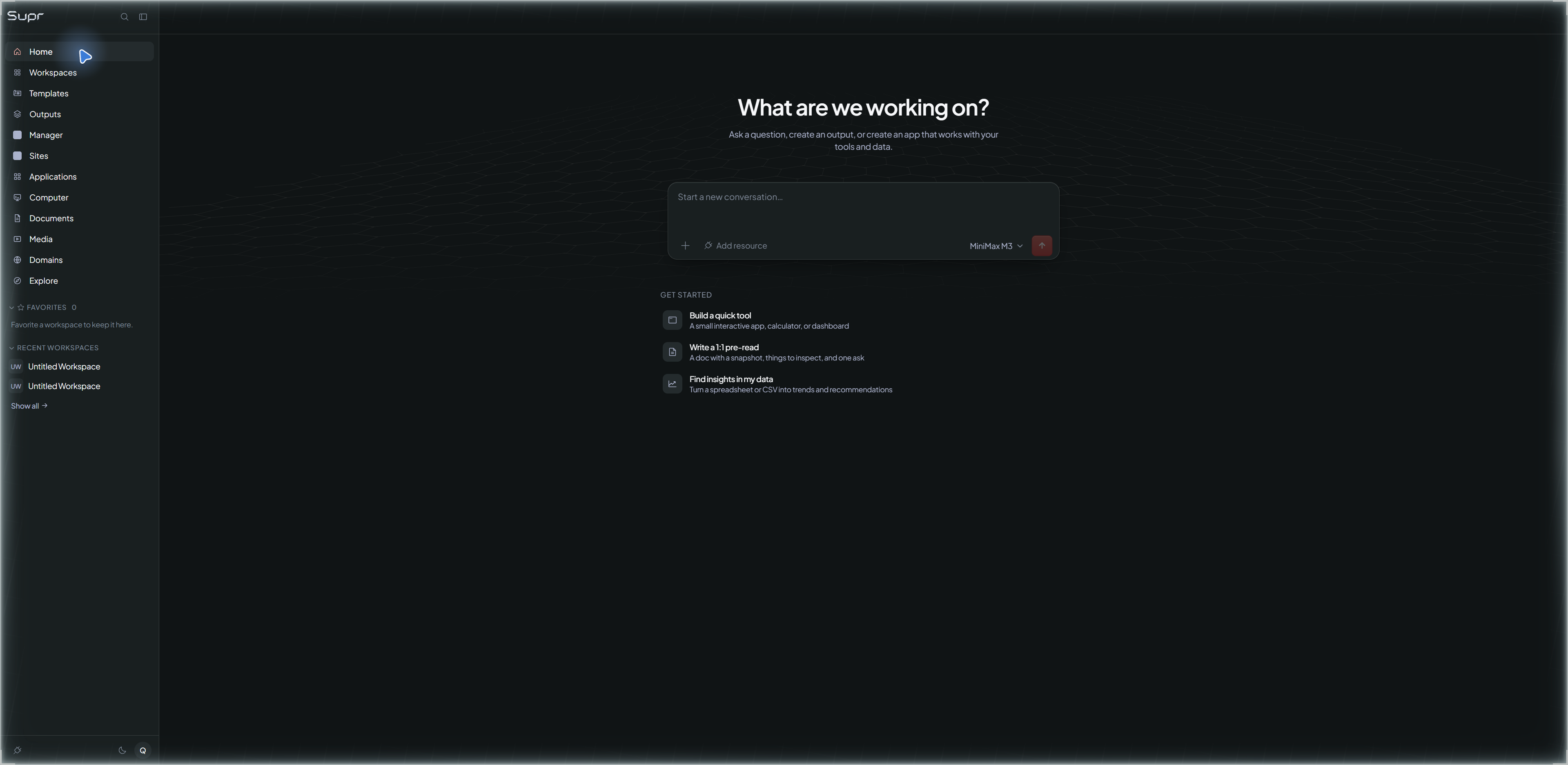
Name the task and bring the goal, sources, and constraints into a workspace.
Choose an available template or assignment. Inspect the proposed steps and the approval policy that applies.
Prepare a content revision in SuprCMS or a reply in SuprInbox when those capabilities are enabled for your organization.
Review the draft before deciding to send, publish, or approve further work. Opening a workspace and approving a task are separate steps.
Return to saved output and review the work, approval, and usage records. A draft or a pending record is not a completed result.
Private rollout
Public signup is disabled. Request access through Support so we can discuss your work and confirm which workspace, publishing, and inbox capabilities are available to your organization.
Existing members continue through the dashboard login. A request for access does not enable an account or a feature.
One product shell
The workspace keeps the project context nearby while you move between available work areas. Check the actual draft, approval, output, and usage state before continuing.
Keep project context, Knowledge, Documents, and saved output together as you plan the next task.
Prepare site content and review the revision and its approval state before publication.
Keep a message, its context, and a draft reply close to the work that prompted them.
Spreadsheets, Presentations, PDF, Web Artifacts, Applications, Computer, and Media are available according to your organization's rollout.
What Supr carries into the work
Useful help needs more than a message. Supr packages the run with the account, project, plan, autonomy, approval, and context needed to do useful work inside the right boundary.
The account, project, and team context needed to keep work in the right place.
Your plan, available work, and the limits that apply before a run begins.
What Supr can do on its own and when it must pause for you.
Your project description, relevant history, chosen template, and the details you provide.